
Automation
Set up automated workflows that handle the repetitive parts of your business — so your team focuses on the work that matters.

No-code setup
Build workflows using a visual editor — no developer required. If this happens, do that. It really is that simple.
Runs 24/7
Automations never sleep. Leads are followed up, documents are generated, and notifications go out — even on weekends.
Connects everything
Workflows span your CRM, email, accounting, and external tools — all talking to each other without manual data entry.
Trigger-Based Workflows
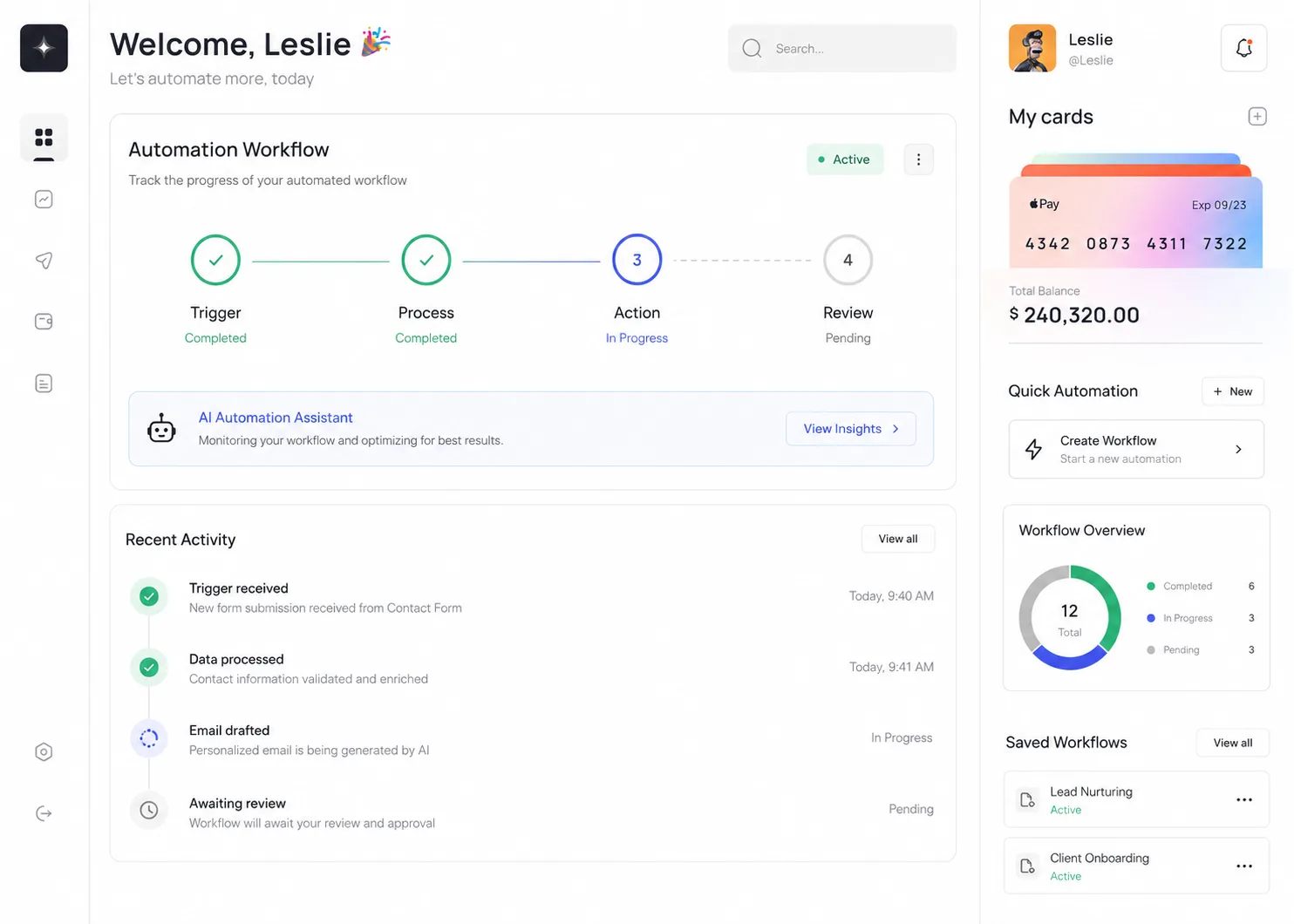
Every step in your business process can become a trigger. A prospect moves to "Proposal Sent" and a follow-up task is created. A job is marked complete and an invoice is generated. A contract is signed and a welcome email goes out.
Time Savings
Most businesses lose 10–20 hours per week to tasks that could be automated — chasing paperwork, sending reminders, updating records. Workflows eliminate that invisible overhead.
We map your existing processes before building anything, so every automation is grounded in how your business actually works — not a generic template.
Error Handling & Visibility
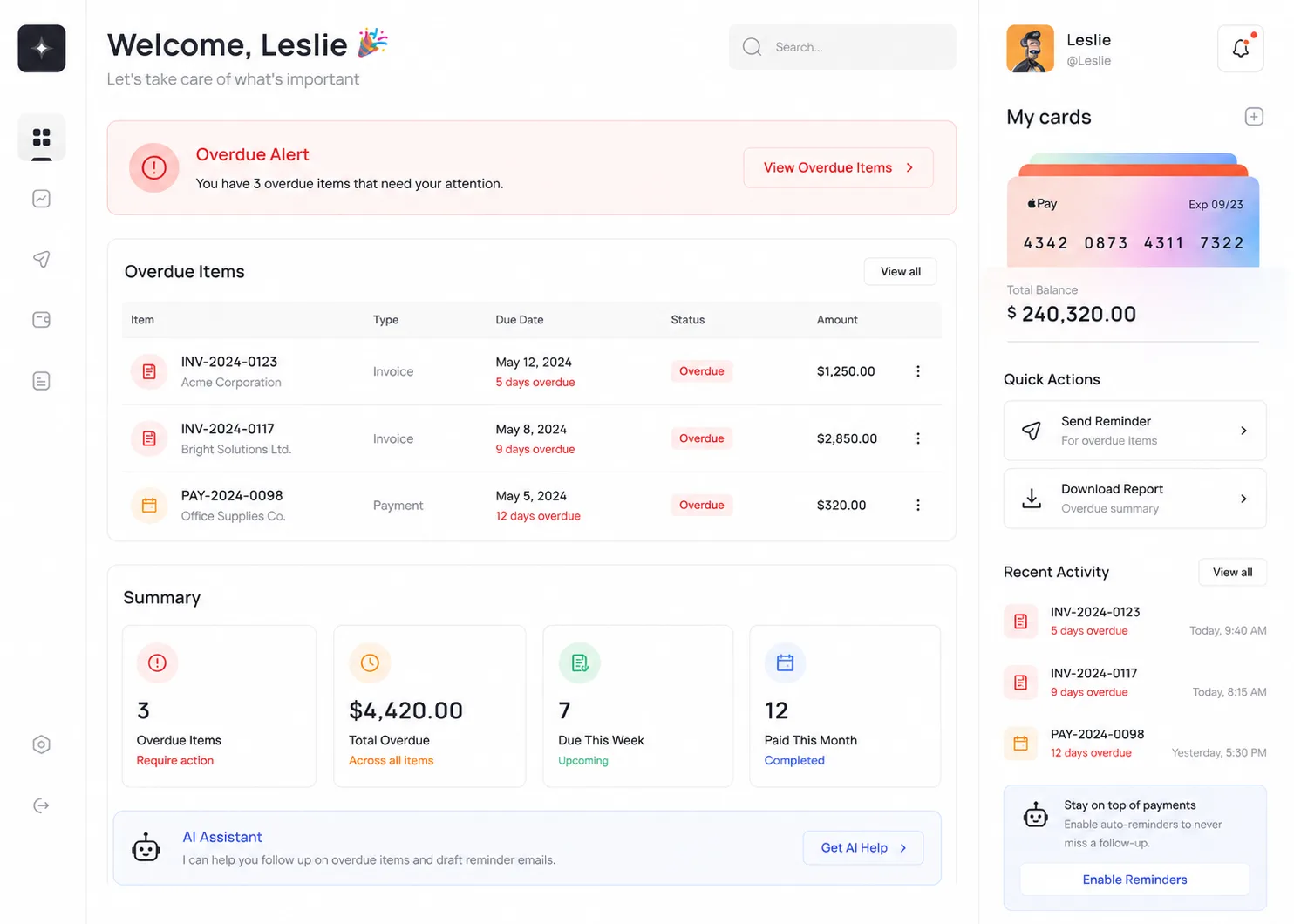
Automated workflows are only valuable if they run reliably. Every automation in your platform has built-in error handling, retry logic, and alerting — so if something fails, you know immediately and the system attempts to recover before you even need to intervene.
A live automation log shows every workflow run: what triggered it, what steps were completed, how long it took, and whether it succeeded or encountered an issue. Full visibility means full confidence.
Ready to start?